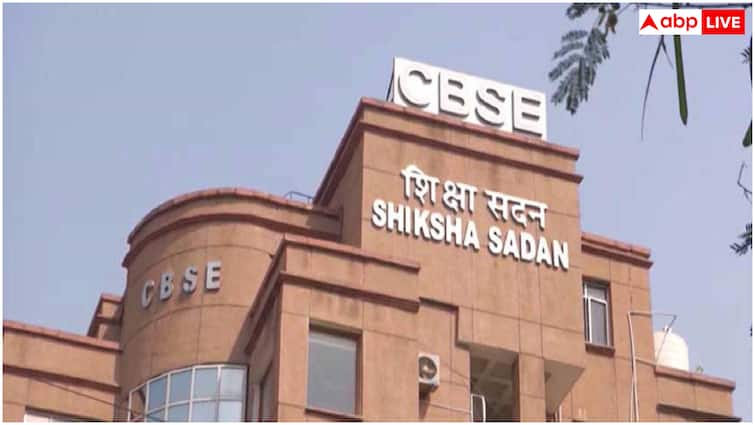

The result of class 10th board exam can be released soon by CBSE. CBSE has made major changes in the board examination system from this year. Now class 10th examination will be held twice a year. The first examination held in February-March was mandatory for all students. After this, there will be a second examination in May, which will be optional. That is, students who are not satisfied with their marks will be able to improve their marks by re-exam in some subjects.
In this new system, the result of the first examination is considered very important. Only after the results are declared, students will be able to decide in which subjects they have to appear for improvement examination. Therefore, this time students are eagerly waiting for the first result. As soon as the results are released, students will be able to check their results by visiting the official websites cbse.gov.in and results.cbse.nic.in. For this, roll number and date of birth will have to be entered.
According to CBSE rules, every student is required to score at least 33 percent marks in each subject. It includes both written examination and internal assessment. Students who do not reach this minimum marks will be able to appear in compartment or improvement examination. Meanwhile, CBSE Class 12th examinations are also going on, which will end on April 20. 12th result is likely to be declared in May.
Official website to check results
cbse.gov.in
results.cbse.nic.in
How to see results?
step 1: Students first go to the official website of CBSE cbse.gov.in.
Step 2: After this, students click on the link of CBSE Class 10th Result 2026 on the homepage.
Step 3: Now enter your roll number, school number and admit card ID.
Step 4: Then students press the Submit button.
Step 5: After this your result will appear on the screen.
Step 6: Now download the result and keep it.
How to download CBSE Class 10 Result 2026 from DigiLocker
step 1: Download DigiLocker app in your mobile or visit digilocker.gov.in.
Step 2: Login with your registered mobile number and 6 digit security PIN.
Step 3: Complete OTP verification.
Step 4: Go to the “Issue Documents” section on the dashboard.
Step 5: “Select “CBSE Class 10 Marksheet 2026” option.
Step 6: Fill the required information like roll number and school code.
Step 7: Your digital marksheet will appear on the screen.
Step 8: Download it in PDF or save it for future.
Also read – JMI: Jamia’s free residential coaching will make the dream of civil services easier, applications open
Education Loan Information:
Calculate Education Loan EMI